How to Keep Family Group Chat Private and Secure: Tips
Learn how to keep family group chat private with encryption, safer account habits, permission controls, and privacy-first family coordination for households.
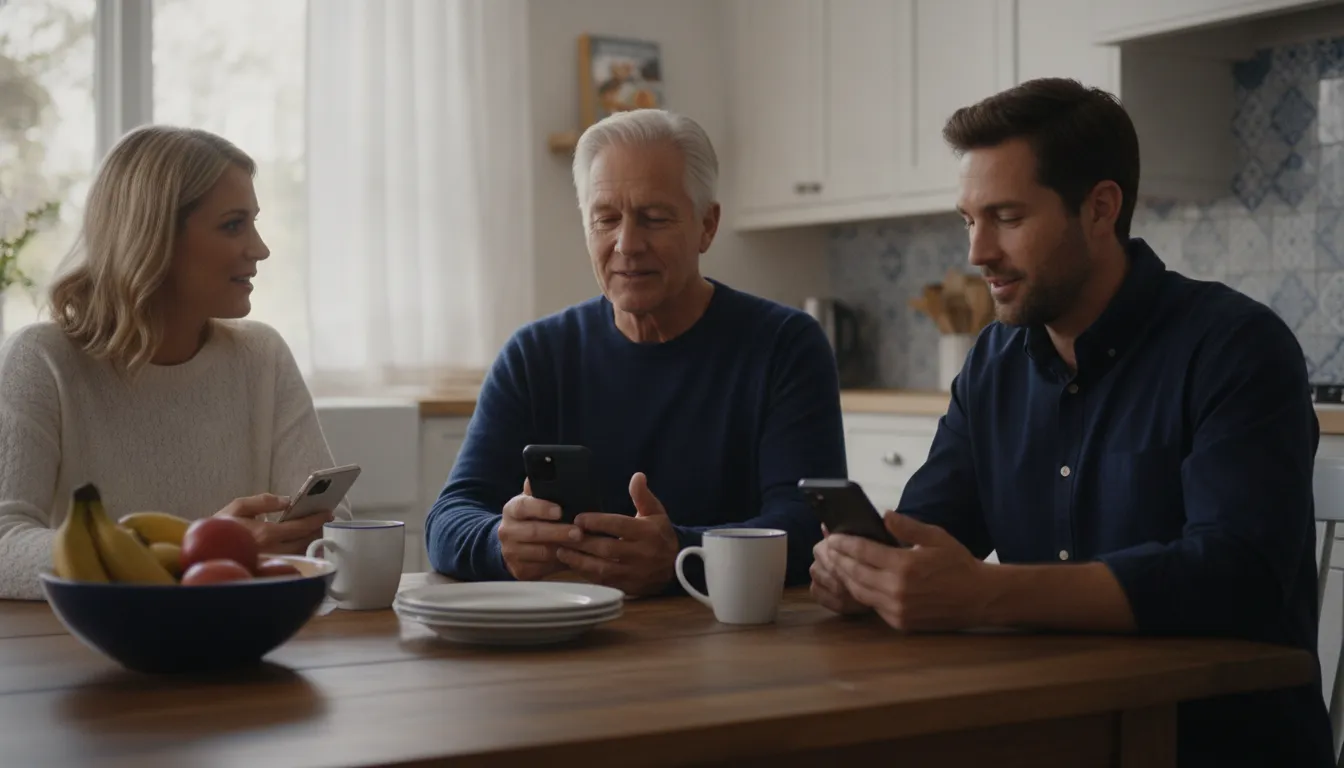
Family group chats hold pickup plans, travel updates, medication reminders, and quick check-ins. To keep those conversations private, families need clear encryption, account, membership, and data-use standards.
See what's included in SafeZone365
To keep a family group chat private, choose end-to-end encryption. Limit membership to trusted people. Secure every device and account. Review linked devices. Avoid platforms that depend on ads, data mining, or third-party trackers. SafeZone365 applies this privacy-first approach to family communication and coordination.
Privacy should support connection rather than make family communication harder. Parents, caregivers, teens, college students, and older adults can use a few shared habits to coordinate with confidence. The goal is practical control, not fear. Start by looking at who can access a conversation, how the message is protected, and what the provider does with related information.
How to Keep Family Group Chat Private With Layered Controls
To keep a family group chat private, SafeZone365 recommends using layered controls instead of relying on one setting. Combine trusted membership, strong account security, end-to-end encrypted communication, careful sharing, linked-device reviews, and a provider whose business model respects privacy. This approach protects everyday coordination without making family communication harder.
That layered view also makes privacy easier to apply. A family does not need to memorize every technical term before making better choices. It can ask a short set of questions: Who needs access? What does each person need to see? Is the conversation encrypted between participants? Which devices are connected? Does the service use personal activity for advertising or data mining?
Start with membership and consent
Keep the group limited to people who genuinely need the conversation. Before adding a relative, caregiver, babysitter, coach, or family friend, explain what the group is for and what information may appear there. This gives adults, teens, and older family members a meaningful choice.
Membership review matters because family roles change. A former caregiver, an old phone number, or a shared tablet may no longer belong. When someone no longer needs the family coordination role, remove access instead of assuming they will simply stop reading.
Protect every device that can open the chat
Encryption cannot protect a conversation from an unlocked phone, a compromised account, or a browser left signed in on a shared computer. Use a strong device passcode, automatic screen locking, current operating-system updates, and biometric protection where appropriate. Families should also review which computers, tablets, and browsers can access the account.
Linked devices deserve special attention. The U.S. Secret Service warns that criminals can manipulate linked-device features to receive copies of communications, access contacts, and send messages as the account holder. Review its messaging-app advisory and remove unfamiliar devices promptly.
Set a family sharing rule
Agree that members will share only what the group needs. Confirm unexpected requests through another channel, ask before forwarding private messages or photos, and avoid posting sensitive details when a general update will do. A simple rule helps younger users and busy caregivers make consistent choices without turning every message into a privacy debate.
What Does End-to-End Encryption Protect?
End-to-end encryption protects message content while it travels between the sender and the intended recipients. The message is encrypted on one endpoint and decrypted on another, so an intermediary should not be able to read the conversation in transit. It is one of the most important protections to look for in a private family messaging service.
Encryption is not a complete privacy plan. It does not make an unlocked device safe, remove an untrusted participant, or prevent someone from taking a screenshot. It also does not automatically protect every kind of message, call, backup, notification preview, or linked device. Families should check what the service encrypts and which settings affect that coverage.
Check whether the protection covers everyone
Device differences can change how a conversation is protected. CISA explains that iMessage encryption applies between iOS users, while messages sent to non-iOS users do not receive the same protection. It also notes that ordinary cellular messaging and voice calls do not provide end-to-end encryption. CISA's secure mobile communication guidance is a useful reference for families comparing options.
Ask whether a group remains encrypted when members use different phone platforms. A cross-platform family should not assume that a green or blue bubble, a familiar logo, or a privacy label describes every participant's experience. The relevant question is whether the actual conversation and its participants receive the stated protection.
Review backups, previews, and linked sessions
Message content may appear in places outside the main chat. Check cloud backups, lock-screen notification previews, desktop sessions, browser sessions, and connected tablets. Turn off previews that expose sensitive details to people nearby. Remove old sessions and use a separate device sign-out option when it is available.
These settings matter for family accounts used across generations. A caregiver may need temporary access, while a teenager may need a private device profile. Good privacy controls let the family match access to the situation instead of treating every member and device the same.
Choose Tools That Help Keep a Family Group Chat Private
SafeZone365 frames a private family group chat as part of a wider coordination system, not just a message thread. The best tool combines end-to-end encryption, clear membership controls, account security, transparent data practices, and communication features that fit real routines. Privacy works best when the controls are understandable enough for families to use every day.
Evaluate the service, not just the encryption label
Ask what the provider collects, why it collects it, and whether it shares information for advertising or analytics. Privacy includes more than message content. Location awareness, contacts, device details, usage patterns, and event information can all reveal personal routines. A provider should explain its approach in plain language.
SafeZone365 positions itself as a privacy-first coordination platform with no ads, no data mining, and no third-party trackers. Its family safety features are intended to bring secure messaging, check-ins, alerts, location awareness, and everyday coordination into one trusted space. Its security approach explains how consent and protection fit together. That integrated approach can reduce the need to spread sensitive family details across multiple unrelated apps.
Match the tool to the family routine
A family may need a private message for a quick update, a check-in for an arrival, or an event channel for a school pickup or team trip. Choose a tool that makes the right action clear. If a family has to improvise with multiple public posts, forwarding chains, or unstructured group texts, privacy mistakes become more likely.
| Option | Questions to ask about privacy | Useful family coordination strengths |
|---|---|---|
| SafeZone365 | Are messages and calls protected? Are permissions clear? Does the service avoid ads, data mining, and third-party trackers? | Secure messaging, trusted circles, check-ins, alerts, events, and location awareness in one platform |
| Basic encrypted messenger | Does encryption cover every participant, call, backup, and linked device? | Private conversation when the family needs a focused message thread |
| Ordinary SMS or cellular calling | Does the method provide end-to-end encryption? What appears on the lock screen or carrier account? | Broad reach, but fewer privacy and coordination controls |
| Ad-supported or data-mining service | What activity, contact, device, or location information does the provider collect and share? | May offer familiar features, but the business model requires closer scrutiny |
Permission-based location awareness is designed around consent and practical coordination. The family should decide who can see what, when that visibility is useful, and how to change it. The goal is a useful update when it matters, not constant observation.
Six Everyday Habits That Protect Family Group Chats
Privacy is easier to maintain when it becomes part of the family routine. Review these habits together, then choose the few that address the family's actual devices, participants, and communication patterns.
- Verify every invitation. Pause when a new group invitation arrives, even if it appears to come from someone familiar. Confirm it through a separate channel before joining. This helps prevent a copied account or impersonated contact from entering the conversation.
- Treat links and QR codes as unverified. Do not open a link, scan a QR code, or install an app simply because it appears in a family chat. Confirm the sender and destination first. Be cautious with urgent requests for passwords, payment details, or one-time codes.
- Review linked devices on a schedule. Check the account's list of computers, tablets, browsers, and phones. Remove anything no one recognizes or still needs. Make the review part of a monthly household check rather than waiting for a suspicious message.
- Use strong, unique account protection. Give each account a long, unique password or passphrase. Do not reuse it for email, banking, school, or social accounts. Turn on multifactor authentication when the service supports it.
- Update devices and apps promptly. Operating-system and app updates often address security weaknesses. Enable automatic updates when practical, and do not use an unsupported device for sensitive family communication.
- Limit sensitive details and media. Share the minimum information needed for the task. Avoid posting a full address, travel schedule, access code, medical detail, or identifying photo when a less specific message will work.
These habits also give families a calm response when something feels unusual. Pause, verify, remove questionable access, and tell the group what changed. A clear response is more useful than blame.
How Should Families Manage Permissions and Shared Information?
SafeZone365's permission-based approach supports a simple rule: give each person the least access needed for the purpose, explain why that access exists, and revisit it as circumstances change. Families can protect private conversations while still allowing a caregiver, teen, coach, or older adult to receive the specific update needed for coordination.
Match information to the situation
A caregiver coordinating an appointment may need an arrival update, but not every family conversation. A coach managing a team trip may need event timing, but not a student's full home address. A teen may need a way to confirm arrival without sharing continuous personal details. Define the task first, then share the narrowest useful update.
Separate routine coordination from sensitive information. A message such as "I arrived at practice" may solve the immediate need. It does not require a detailed route, a public post, or a permanent record of every movement. When the platform offers events, check-ins, or trusted circles, use those features to give context without over-sharing.
Respect changing independence
Privacy expectations should evolve as children become teens, students leave for college, and older adults receive support. Talk about what visibility means and why a setting is being used. Permission-based coordination works best when people understand the purpose and can raise concerns.
Parents and caregivers can frame these conversations around readiness and peace of mind. The objective is not to watch every action. It is to make it easier to communicate when plans change, help is needed, or someone wants to confirm that they arrived safely.
When a Family Needs More Than a Basic Group Chat
A basic group chat is useful for conversation, but families often need a little more structure. Pickups, travel days, school events, sports practices, and care routines may involve different people, changing times, and a need for quick status updates. A coordination platform can connect those actions without forcing the family to manage separate threads and tools.
Use communication in context
SafeZone365 combines secure messaging with tools for live location awareness, trusted safe zones, real-time alerts, event coordination, voice and group calling, check-ins, and preparedness. Families can use the feature that fits the moment instead of placing every detail in one permanent conversation. Visit the feature overview to see how those tools support everyday safety and coordination.
This is the space between "everything is fine" and "call 911." A family may simply need to know that a student arrived. A caregiver may reach an appointment, or a pickup plan may change. Those small updates can reduce unnecessary calls while keeping trusted people connected.
Choose privacy as part of coordination
Privacy and preparedness do not have to compete. A platform can help families coordinate while keeping consent, encryption, and limited access at the center. Before inviting the whole family, review the provider's privacy policy, security explanations, data practices, device controls, and member permissions. The right choice should make safe communication easier, not more stressful.
SafeZone365's pricing page explains the consumer plan and included trusted members. Families can also visit Get Started to learn more about service availability.
Explore a more private way to coordinate your family
Frequently Asked Questions
What should a family look for in a private group chat?
Look for end-to-end encryption, clear membership and permission controls, strong account security, linked-device management, transparent data practices, and cross-platform support. The service should also fit daily family routines so people do not have to move sensitive updates into less private channels.
Is a family group chat private when everyone uses a different phone?
Not automatically. Privacy depends on the specific service and the protection applied to every participant. Check whether end-to-end encryption covers mixed iOS and Android groups, calls, backups, notifications, and linked devices. Do not assume that a familiar messaging label provides the same protection for everyone.
How can we prevent someone from taking over a family chat account?
Use a unique password or passphrase, turn on multifactor authentication when available, protect the device with a passcode, install updates, and review linked devices regularly. Never share one-time codes through chat. If an account behaves unexpectedly, verify it through another channel, sign out unfamiliar sessions, and change the account credentials.
Should we open QR codes or links shared in a group invite?
Verify the sender and destination through a separate channel first. A familiar name can be copied or impersonated. Do not install an app, provide a password, or share a one-time code because a message creates urgency. When in doubt, open the service through its known website or app instead of the message link.