POC Radios vs. Push-to-Talk Apps
Compare POC radios and push-to-talk apps for schools, events, mobile teams, and families, including coverage, devices, privacy, and coordination features.
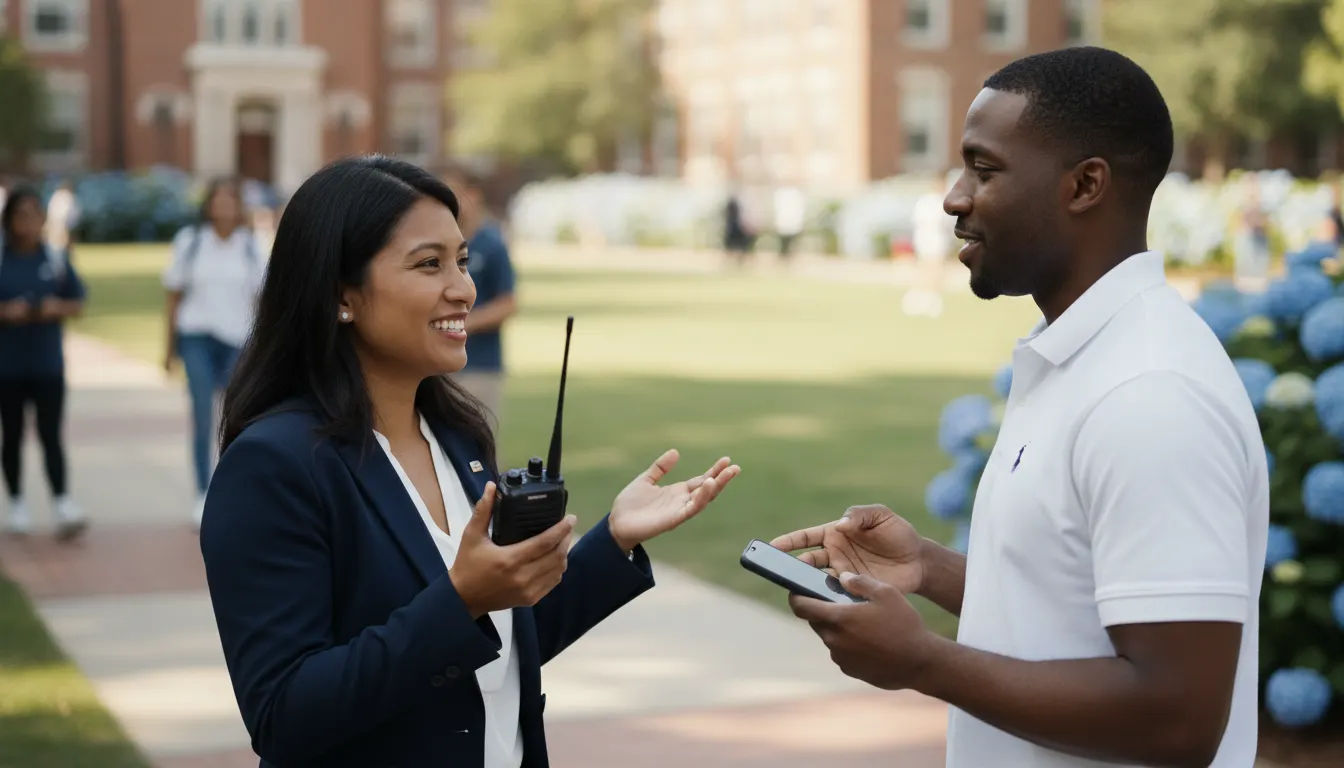
POC radios give teams the familiar press-and-talk experience of a walkie-talkie while using cellular data or Wi-Fi for connectivity. Push-to-talk apps offer a similar communication pattern through smartphones. The right choice depends on more than whether people can speak quickly. Coverage, hardware, permissions, privacy, battery demands, and the rest of the coordination workflow all matter.
Become a SafeZone365 Founding Member for private family and team coordination.
This guide compares POC radios with push-to-talk apps for schools, event teams, mobile workforces, and families. It also explains where a broader coordination platform such as SafeZone365 fits, without presenting it as a radio or a replacement for specialized radio infrastructure.
What are POC radios?
POC means push-to-talk over cellular. A POC radio is usually a dedicated handheld or mobile device that sends short, half-duplex voice transmissions over a cellular network or an available Wi-Fi connection. One person presses a talk button, speaks while holding the floor, and releases it so the group can listen. The interaction feels like a two-way radio, but the communications path is based on packet data rather than a local radio channel.
The underlying idea is standardized in mobile communications. The 3GPP PTT glossary describes push-to-talk as an instant, half-duplex group voice service with floor control, meaning the system manages who can speak at a given moment. The Open Mobile Alliance's PoC requirements document also describes one-to-one, ad hoc group, and pre-arranged group sessions.
That distinction matters because POC radios are not the same as traditional land mobile radio systems. A conventional radio network may rely on local frequencies, repeaters, or other dedicated infrastructure. A POC system depends on compatible cellular or Wi-Fi connectivity. It can be useful across a large geographic area when the network is available, but it is not automatically a solution for every dead zone or emergency environment.
POC radios vs. push-to-talk apps: the core differences
Both options can make short group conversations faster than dialing a phone call. The practical difference is where the experience lives. POC radios put the interaction on purpose-built hardware. Push-to-talk apps put it on a device people may already use for calls, messages, schedules, maps, and other tasks.
| Decision factor | POC radios | Push-to-talk apps |
|---|---|---|
| Primary device | Dedicated handheld or vehicle-mounted radio designed around fast voice communication. | Smartphone or tablet running a compatible application. |
| How people speak | A physical push-to-talk control usually makes the talk and listen pattern obvious. | An on-screen control, headset, or supported hardware button may control the session. |
| Connectivity | Cellular data or Wi-Fi, depending on the device and service. | Cellular data or Wi-Fi, depending on the phone, app, and service. |
| Broader workflow | Often centered on group voice, dispatch, and operational radio functions. | Can combine voice with messaging, files, check-ins, location awareness, and other phone-based workflows when the app supports them. |
| Deployment | Requires choosing, provisioning, carrying, and maintaining dedicated devices. | Can be easier to introduce when participants already have compatible smartphones, although permissions and app management still need attention. |
| Best starting question | Does this team need a dedicated voice device and a consistent radio-style operating pattern? | Does this group need communication and coordination in the same smartphone workflow? |
Neither category is automatically better. A school operations team with dedicated staff, vehicles, and a defined radio procedure may value a physical device. A family, volunteer group, or mixed team may value an app because people can use the same phone for several related tasks. The decision should follow the real workflow rather than the popularity of a device type.
How does connectivity affect the decision?
Connectivity is the first technical question for both POC radios and push-to-talk apps. If a device or phone cannot reach the service through cellular data or Wi-Fi, a cloud-based talk session may not work. Before choosing a system, map the places where communication matters: school buildings, athletic fields, parking areas, event venues, warehouses, roads, rural properties, and homes.
Do not treat a phrase such as nationwide coverage as a guarantee for every room or route. A service can be broadly available while a particular building, basement, valley, or outdoor area still has weak signal. Test the actual locations and determine what happens when a person moves between cellular and Wi-Fi coverage. Confirm whether a device reconnects cleanly, whether messages are stored for later delivery, and how users are notified when they are unavailable. Those details belong in the operating plan.
Also distinguish POC radios from conventional two-way radios during the evaluation. POC hardware may look like a walkie-talkie, but it is still using a data connection. If the team must communicate where compatible cellular and Wi-Fi networks are unavailable, a different radio design or a layered communications plan may be more appropriate. A vendor should be able to explain the coverage assumptions in plain language rather than treating every radio-shaped device as interchangeable.
Which option fits schools and event teams?
When a POC radio can make sense
POC radios can be a strong fit when a defined operations team needs quick, group-based voice communication and wants a device reserved for that job. Examples include facilities staff, security personnel, transportation teams, venue operations, and event leads. A dedicated device can make the talk button easy to find and can support a consistent procedure across a trained team.
Schools and event organizations should still evaluate user roles, device custody, emergency procedures, accessibility, and privacy. A radio system designed for staff operations should not automatically become the communication method for every parent, volunteer, student, or guest. The organization needs a clear boundary between operational communications and broader family or community coordination.
When an app can be more practical
A push-to-talk app may be more practical when participants are distributed, use their own phones, or need more than voice. Event teams may need schedules, group messages, photos, check-ins, and updates in the same workflow. Schools may need separate groups for staff, activity leaders, and approved contacts. An app can support those patterns when its permissions, reliability, and privacy controls are appropriate.
Before deployment, define who can create a group, who can invite a participant, who can see a location, and how access is removed when a role changes. Convenience is not a substitute for permission design. A communication tool should make it easy to reach the right people without exposing more information than the activity requires.
What should mobile teams consider?
Mobile teams often need fast communication while people are moving between jobs, vehicles, facilities, or service areas. A POC radio can keep the team in a dedicated voice workflow, especially when the group operates from a dispatch model. It may be a sensible choice when staff already carry assigned devices and the organization has a clear process for charging, replacing, and auditing them.
A push-to-talk app can reduce the number of devices a person must carry, but the phone becomes part of the communication plan. Consider whether workers can hear a talk burst in a noisy setting, whether they need a headset, how the app behaves when it is not in the foreground, and how phone policies affect use. Review battery impact, mobile-device management, and the risks of mixing personal and work communication.
For safety-sensitive work, the communication layer is only one part of the system. Teams may also need check-ins, escalation rules, location awareness, secure file sharing, and a way to coordinate after the initial voice exchange. A radio-first system may need companion tools for those functions. An app-first system may offer them, but the team must verify that the controls are meaningful and that sensitive information is handled appropriately.
What about families and trusted circles?
Families usually do not start with a dispatch console or a fleet of assigned radios. They start with people who already carry phones and need a simple way to coordinate school pickups, activities, travel, caregiving, or an outing. A push-to-talk app can support quick voice communication, but families may also need a private group conversation, event details, check-ins, safe-zone alerts, and permission-based location awareness.
The priority is not to turn every family interaction into a radio call. It is to give trusted people the right context at the right time. For example, a group may need a check-in for a child arriving at practice, an alert when a caregiver reaches a safe zone, or a message that keeps an event plan in one private place. Those tasks involve coordination as much as they involve voice.
Families should ask whether the product protects privacy by design. Look for clear controls over group membership and location sharing. Review whether the service uses advertising, data mining, or third-party trackers. Also confirm whether the product works across the platforms the family actually uses. A tool that excludes part of the trusted circle can create more coordination work instead of less.
How to choose between POC radios and a push-to-talk app
Use the following checklist before making a purchase or asking a group to install an app:
- Start with the job. Decide whether the main need is rapid group voice, broader coordination, or both.
- Map the coverage. Test the real buildings, routes, fields, and gathering points where communication will happen.
- Define the participants. Separate staff, family members, volunteers, students, customers, and other groups that should not share the same access by default.
- Choose the device model. Select dedicated hardware when a trained operational team needs a consistent radio workflow. Select an app when people already use phones and need connected coordination features.
- Review privacy controls. Confirm who can see group membership, messages, location awareness, alerts, and shared files.
- Plan for exceptions. Document what happens during weak coverage, a dead battery, a lost device, a staff change, or an urgent situation outside the normal workflow.
- Run a small pilot. Test the system with representative users before making it the only communication path.
For many organizations, the answer is not a single universal tool. A dedicated POC radio system can serve a trained operations group while a privacy-first coordination platform serves families, trusted circles, or approved participants. The important part is to define the boundary between the systems and avoid promising a capability the selected product does not provide.
Where does SafeZone365 fit?
SafeZone365 is not a POC radio, a dedicated two-way radio system, or a replacement for specialized push-to-talk infrastructure. It is a privacy-first personal safety and coordination platform for families and organizations. Its purpose is to connect the everyday work of staying coordinated with the preparedness people need when circumstances change.
For a family, that can include live location awareness with permission, trusted safe zones, real-time alerts, Event Pulse coordination, secure messaging, voice and group calling, check-ins, and preparedness tools. For an organization, the relevant use case may be coordinating a school pickup, youth activity, care circle, event, or mobile team. The How It Works page explains the overall model, while the features page provides more detail on the platform's capabilities.
The privacy model is central. SafeZone365 is designed around no ads, no data mining, no third-party trackers, and end-to-end encryption. Location awareness is permission-based and should be used as part of a trusted relationship, not as a substitute for judgment or an emergency service. The use cases page shows how the same coordination approach can support home, school, and on-the-go situations.
SafeZone365 is best evaluated alongside the actual communication systems a group uses. If a school operations team needs POC radios, those radios remain the radio system. SafeZone365 can address the adjacent coordination needs that a voice channel alone may not cover.
See what's included and reserve your SafeZone365 Founding Member spot.
Frequently Asked Questions
Are POC radios the same as walkie-talkies?
They offer a similar press-to-talk interaction, but the network technology can be different. Traditional walkie-talkies typically communicate through local radio systems. POC radios use push-to-talk over cellular, often with cellular data or Wi-Fi behind the session. Coverage and operating requirements therefore need to be evaluated differently.
Do POC radios need cellular or Wi-Fi coverage?
Yes, a POC service generally needs a compatible cellular data or Wi-Fi connection. The exact behavior depends on the device and provider. Test the locations where the team will work, and ask the provider what happens when coverage is weak or unavailable.
Can a smartphone work like a POC radio?
A compatible push-to-talk app can provide a radio-style talk and listen experience on a smartphone. It is still different from carrying a dedicated POC radio because the phone has other uses, controls, hardware, battery demands, and management policies. Compare the full workflow rather than only the talk button.
Are POC radios better for schools and events?
They can be a good fit for trained staff who need dedicated group voice communication. An app may be a better fit for mixed participants who need messages, schedules, check-ins, or other coordination features in addition to voice. Coverage, permissions, device policy, and the operating plan should determine the choice.
Is SafeZone365 a POC radio or push-to-talk app?
No. SafeZone365 is a privacy-first coordination platform that combines safety, communication, coordination, connection, and preparedness for trusted circles. It is not presented as a radio replacement. Organizations can evaluate it for the coordination layer that supports families, schools, events, and mobile teams alongside their existing communication tools.